Quick Start Guide
In order to test the sensors without a gateway, the following mobile apps can be used:
On Android or iOS devices, the app have to be installed. The Web Toolbox App can be used directly in the browser without installation. Please note: For using the Web App, the browser must support the Web Bluetooth API! Please check the link to see if your browser support it.
The Toolbox application gives a simple access to configure all sensors and streaming the live data. After start, the application shows the following screen:
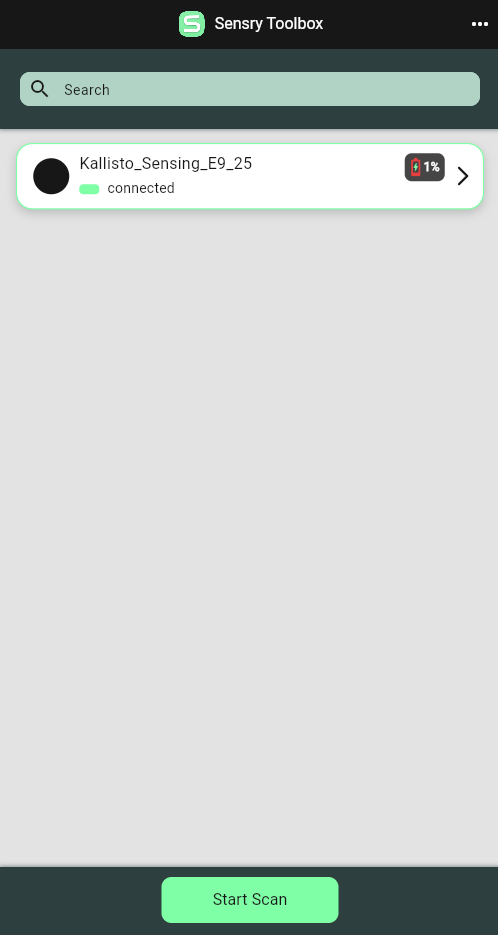
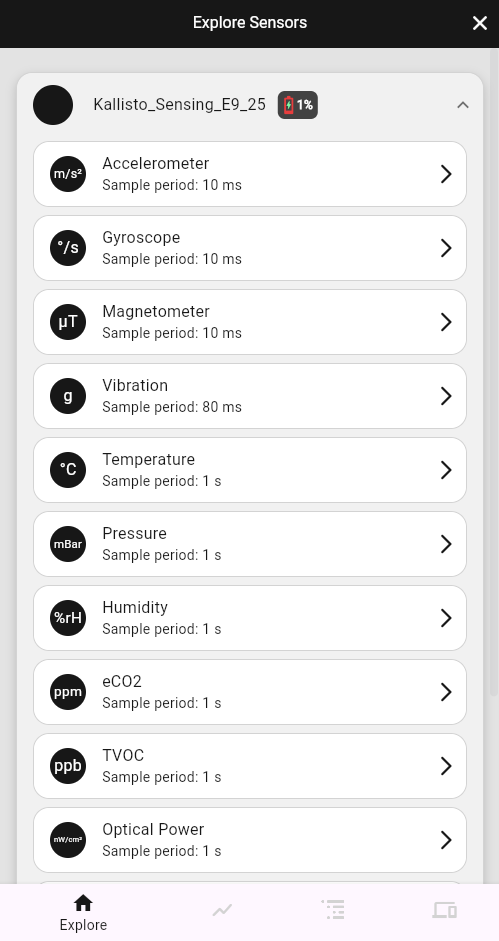
In the start screen, you can scan and connect nearby devices. In the sensor explorer you see all available sensors on the Kallisto® module:
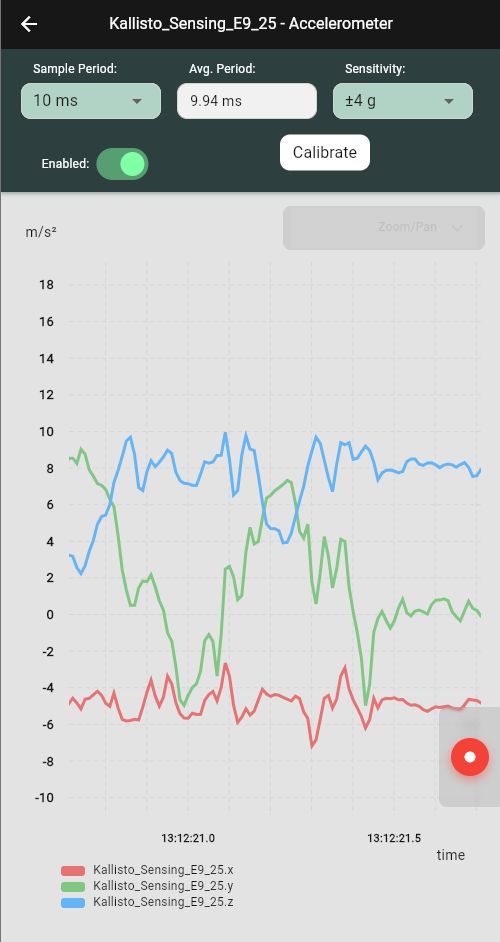
By clicking a sensors you can see the live stream of the selected sensor (i.e. 3-axis acceleration):
To activate multiple sensors, change to the select tab and check the sensors:
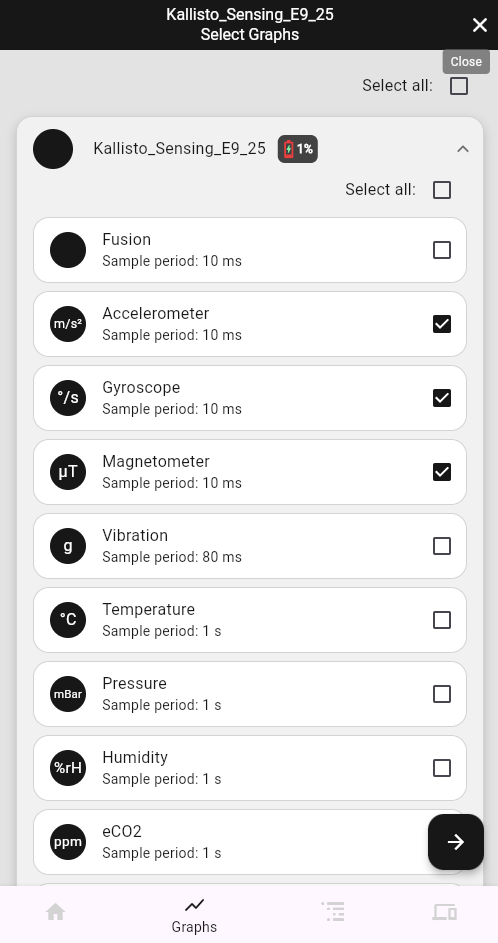
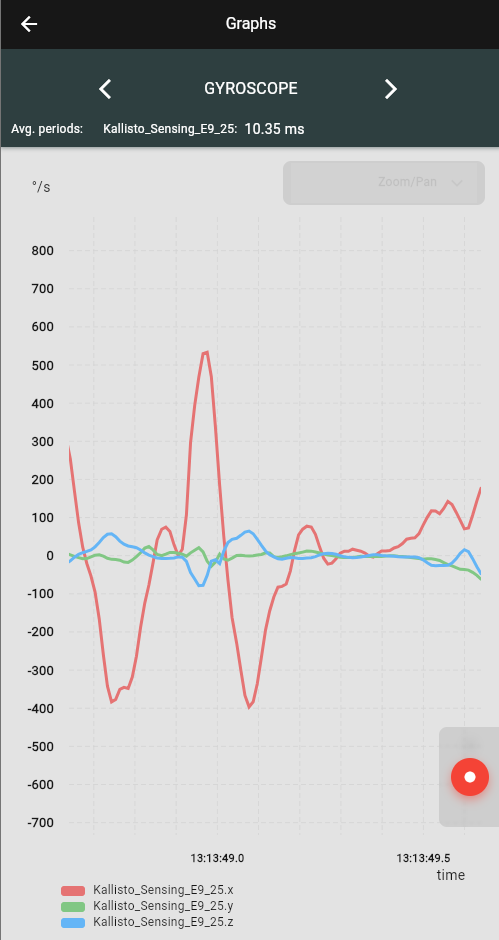
By pressing the right bottom arrow button, the view change to the sensors graphs. You can slide right and left to change to the different sensor graphs.